


People Using Self-Service Machines CAD Blocks Collection
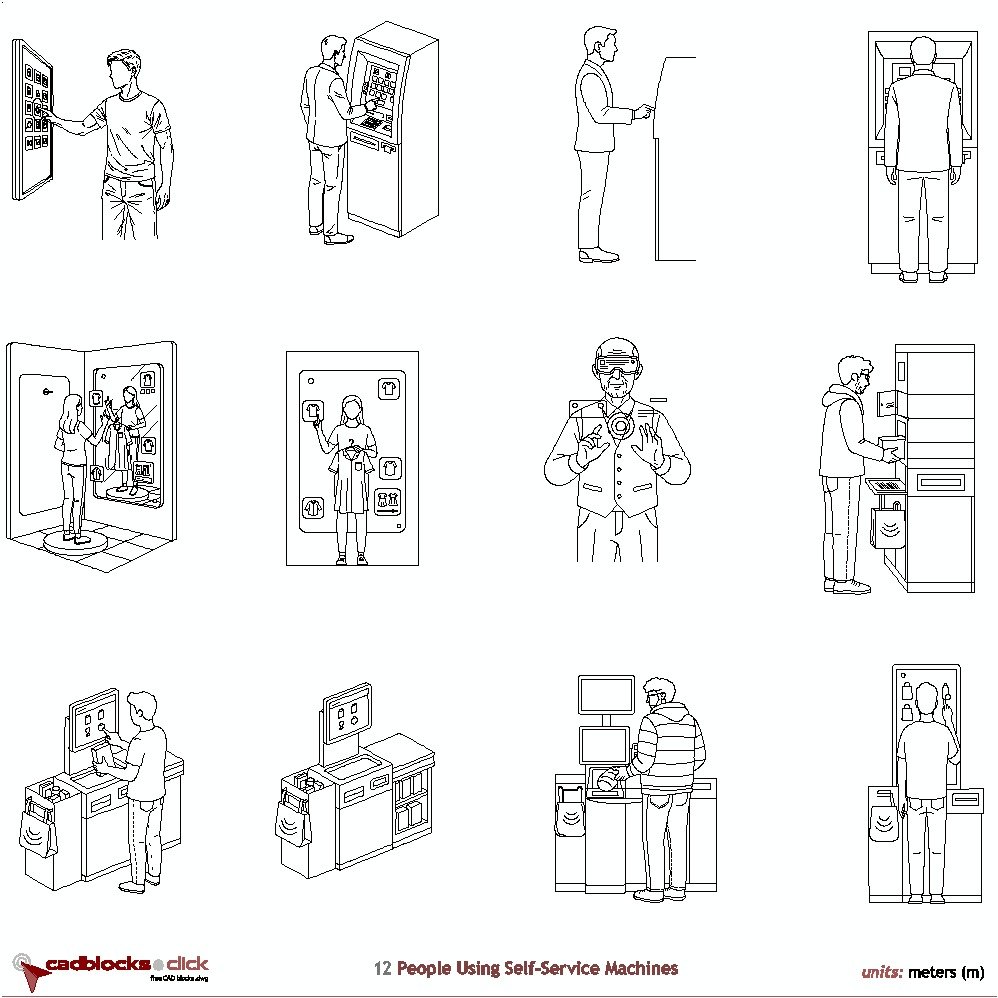
This collection of CAD blocks in .dwg format features 12 human figures interacting with self-service and automated machines, covering the full range of modern digital touchpoints found in retail, banking, smart buildings, and public facilities. The set includes users at ATMs, self-checkout stations, ticketing and payment kiosks, smart lockers, augmented reality interfaces, and immersive smart mirror environments, represented in both elevation and perspective views. These blocks are ideal for urban design, retail interior planning, smart building projects, public space layouts, and any architectural or technical drawing where accurate human-machine interaction references are needed.
size: 416 kb
category: people
related categories and subcategories:
description: A collection of CAD blocks in .dwg format featuring 12 human figures interacting with self-service and automated machines. These blocks are ideal for architects, interior designers, and urban planners working on retail spaces, banking facilities, smart buildings, transportation hubs, and public service environments. The set includes ATM users, self-checkout customers, kiosk interactions, smart locker access, augmented reality controls, and immersive digital interface scenarios, all drawn in elevation and perspective views for direct use in technical drawings.
The collection covers financial and transactional machines such as ATMs and payment kiosks, retail automation including self-checkout stations and supermarket scanners, smart locker and pickup terminals, and cutting-edge digital interface concepts such as AR gesture control and immersive smart mirror environments. Each figure is provided as a precise 2D CAD drawing ready for insertion into architectural plans and presentations.
file extension: .dwg CAD - AutoCAD software

Detailed Specifications and Design Options for People Using Self-Service Machines CAD Blocks
Human Figure CAD Blocks for Digital and Automated Environments
Our self-service machines CAD collection includes 12 human figures representing users in a wide variety of automated and digital service scenarios. These blocks are essential for projects involving retail interior design, bank branch layouts, transportation hub planning, smart building fit-outs, and public service facility design. Whether you are documenting equipment clearance zones, illustrating user journeys, or presenting human-scale context in architectural drawings, these figures provide accurate and versatile references for both elevation and perspective compositions.
Included Machine Interactions and Figure Descriptions
The collection features 12 detailed human figure CAD blocks, each representing a specific type of self-service or automated machine interaction. All drawings are provided as clean 2D CAD elevations and perspectives, ready for use in technical documents, interior layouts, and architectural presentations.
Financial and Transactional Machines
ATM Transaction (Standing Front Use): A person interacts with an automated teller machine, performing financial operations such as cash withdrawals or balance checks. Drawn in full frontal elevation.
ATM Operation (Rear View): Rear perspective of a user standing at an ATM, emphasising spatial clearance requirements and user positioning relative to the machine.
Self-Service Payment / Ticketing Machine: A person operates a standalone machine for transactions such as ticket purchase, bill payment, or check-in processes at transport or public facilities.
Wall-Mounted Control Panel Interaction: A user operates a fixed interface panel, pressing buttons to control or manage a system such as building automation, access control, or intercom systems.
Retail Self-Checkout Systems
Self-Service Kiosk (Side Interaction): A user engages with a vertical touchscreen kiosk, typically for information retrieval, ticketing, wayfinding, or digital service access, shown in side elevation.
Self-Checkout Station (Retail): A user scans items and interacts with a retail self-checkout system, integrating payment processing and bagging functions in a single unit.
Automated Checkout Unit (Idle / Equipment View): A standalone self-checkout machine shown without active user interaction, useful for highlighting equipment layout, component arrangement, and clearance zones.
Supermarket Self-Checkout (Active Use): A customer scans products and completes payment at a multi-component checkout system incorporating a screen, scanner, and bagging area.
Smart Lockers and Pickup Terminals
Smart Locker / Automated Pickup Terminal: A user accesses a vertical locker system or automated dispensing unit, retrieving parcels or items via a digital touchscreen interface. Shown in front elevation.
Immersive and Future Digital Interfaces
Immersive Smart Mirror / Interactive Display Room: A person interacts with a full-body digital interface embedded in a mirror-like surface, used for virtual fitting, smart retail experiences, or interactive showroom environments.
Mobile-Based Interface Simulation (Frontal UI Panel): A user stands within a large-format interface resembling a smartphone, interacting with app-based controls in a conceptual or experiential design environment.
Augmented Reality (AR) Gesture Control: A user wearing AR glasses manipulates virtual elements through hand gestures, indicating touchless system control for smart building, retail, or industrial applications.
Application in Retail, Banking, and Smart Building Projects
These self-service machine CAD blocks are designed for integration in retail floor plans, bank branch layouts, supermarket interior drawings, transport terminal designs, and smart building fit-out documents. Their use enhances the readability of equipment placement, required clearance zones, user circulation paths, and accessibility compliance checks. Accurate human figure representation communicates design intent clearly, supports regulatory compliance, and improves project presentations for clients and planning authorities. The inclusion of both front and rear view figures allows designers to document both user-facing layouts and service access requirements.
Design Standards and Recommendations for Self-Service Machine Environments
When designing spaces that incorporate self-service and automated machines, it is important to observe the following standards and recommendations:
- Reach range and screen height: Interactive screens and controls should be positioned between 380 mm and 1,220 mm above finished floor level to comply with accessibility standards for standing and wheelchair users alike.
- Clear floor space: Provide a minimum clear floor space of 760 mm × 1,220 mm in front of each machine to allow unobstructed approach, use, and departure for all users including wheelchair users.
- Privacy and security zones: ATMs and payment kiosks should include a minimum privacy clearance zone of 900 mm behind the active user position, and directional signage or floor markings may be used to reinforce queuing distances.
- Lighting: Ensure adequate, glare-free illumination at machine interfaces, typically between 300 and 500 lux at the screen surface, to support legibility and reduce user error.
- Acoustic environment: In noisy environments such as supermarkets or transport terminals, consider audio-assisted interfaces and visual confirmation feedback to support users with hearing or cognitive impairments.
- Maintenance access: Design layouts to allow rear or side service access to all machines without disrupting the primary user circulation path. Typically, a minimum service clearance of 900 mm is recommended.
- Wayfinding and signage: Self-service areas should be clearly identified through ceiling-mounted or floor-level signage, supporting user confidence and reducing congestion around machine clusters.
For further reference, consult standards such as ISO 9241 (Ergonomics of Human-System Interaction), ADA accessibility guidelines, and EN 301 549 for the accessibility requirements of digital products and self-service terminals in public environments.
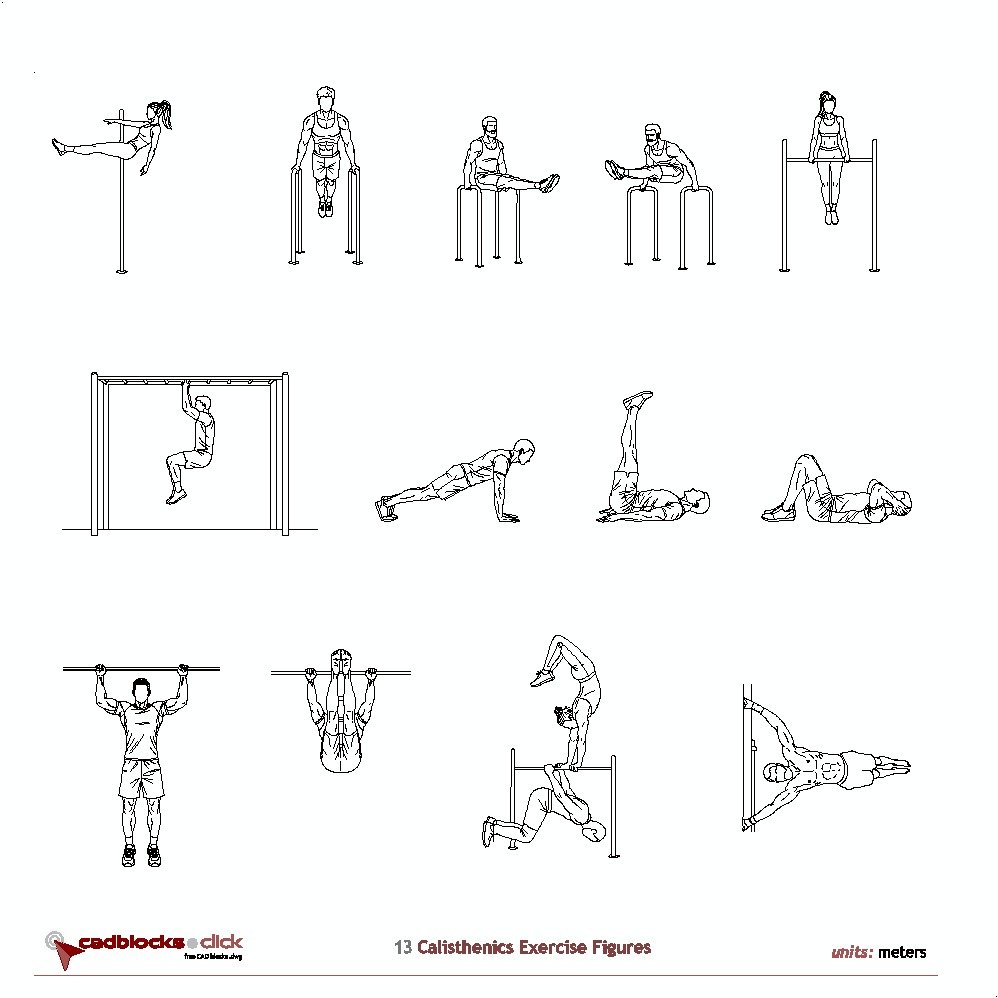
13 Calisthenics Exercises and Bodyweight Training
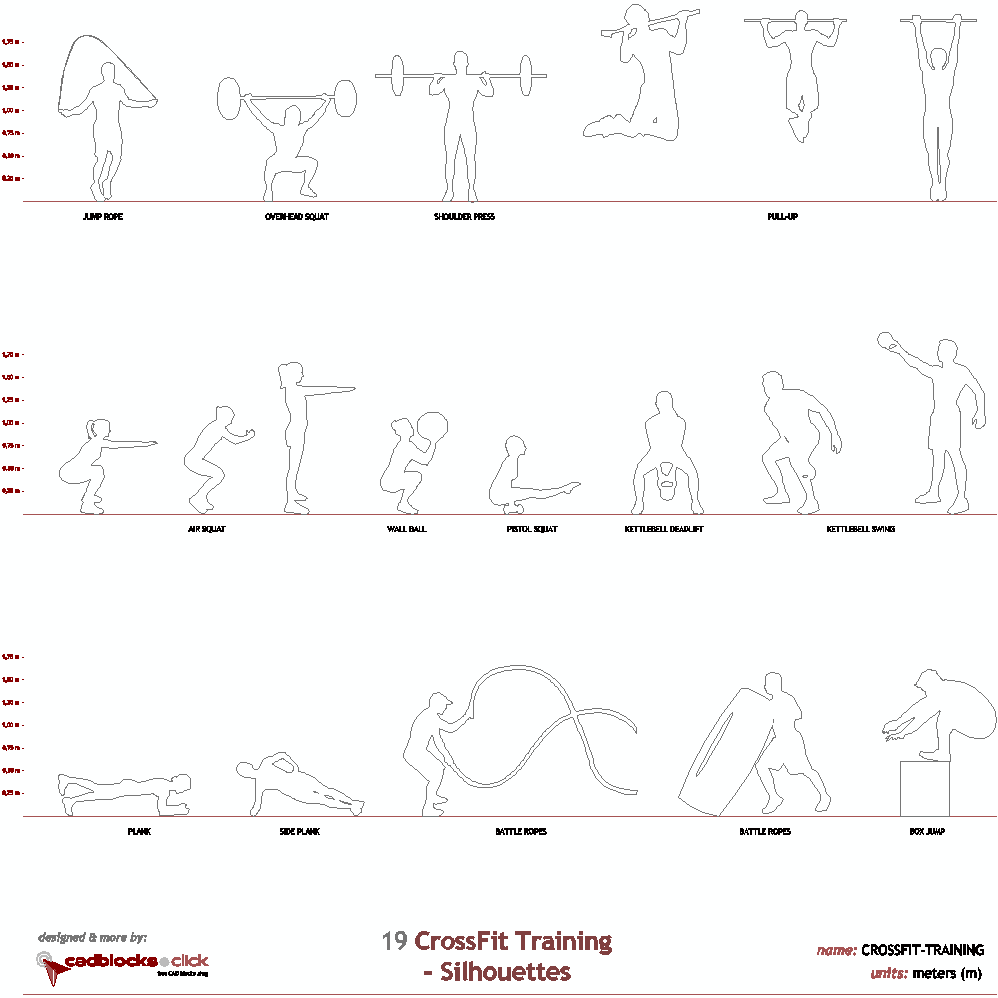
19 CrossFit Training Silhouettes
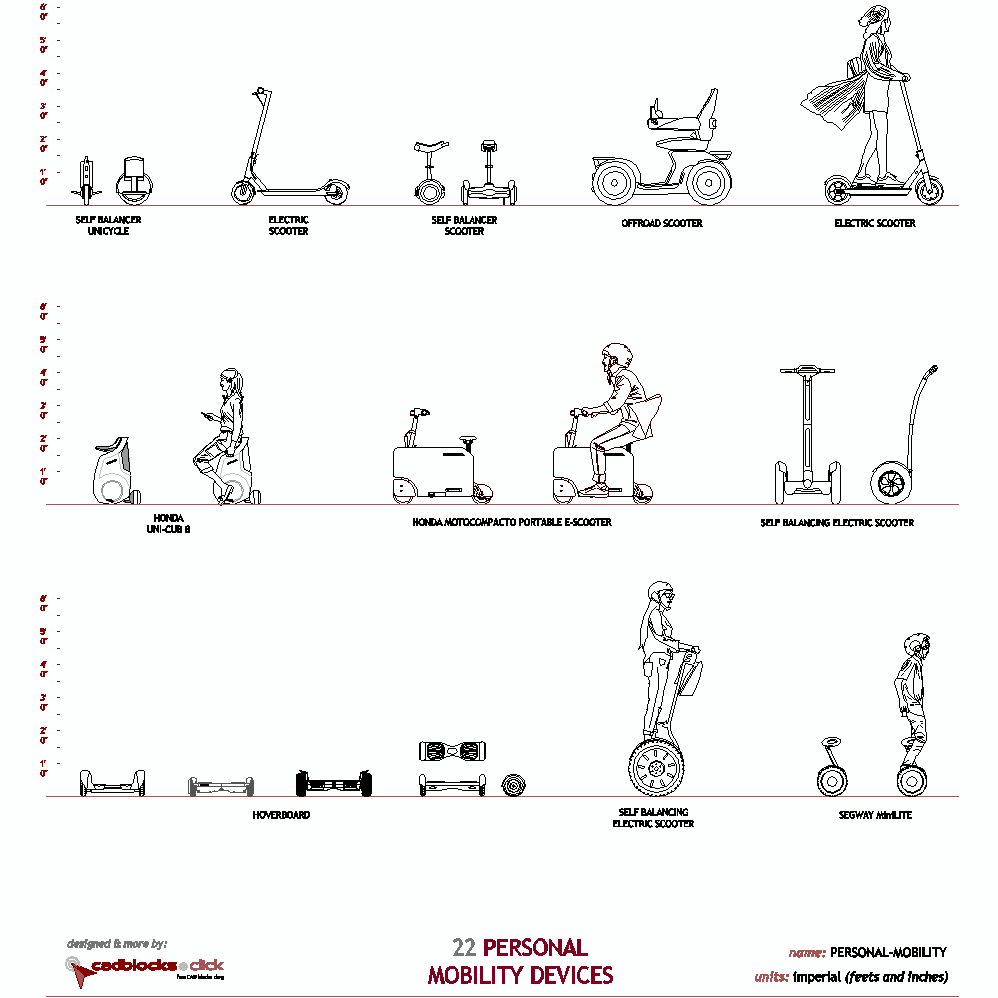
22 Personal Mobility Devices
 click and go to morepersons CAD blocks:



click and go to otherpeople - humans DWG drawings:




click and download3D people AutoCAD models:


click and download others2D Architectural Barrier Removal CAD files:


click and downloadurban furnishings CAD models:




click and download 2D other CAD blocks:



Tree Elevations - Color and Gray Shading

Thick and Fine Line Elevations Trees

22 Elevation Trees


© 2025 CADblocks.click. All rights reserved